Manage orders, track inventory, book appointments, answer questions, process payments — all on WhatsApp.
No coding required. Create an agent in 5 mins. Start selling, supporting, and scaling — right where your customers already are.

Real African operations team using AI4Africa workflows.








See the WhatsApp bot in action
See how AI4Africa helps you reply faster, sell smarter, and turn WhatsApp chats into paying customers.
AI4Africa WhatsApp bot demo
A live AI assistant flow shown inside a full mobile chat frame.
SmileDrop shop demo
A storefront conversation showing product discovery and order flow.
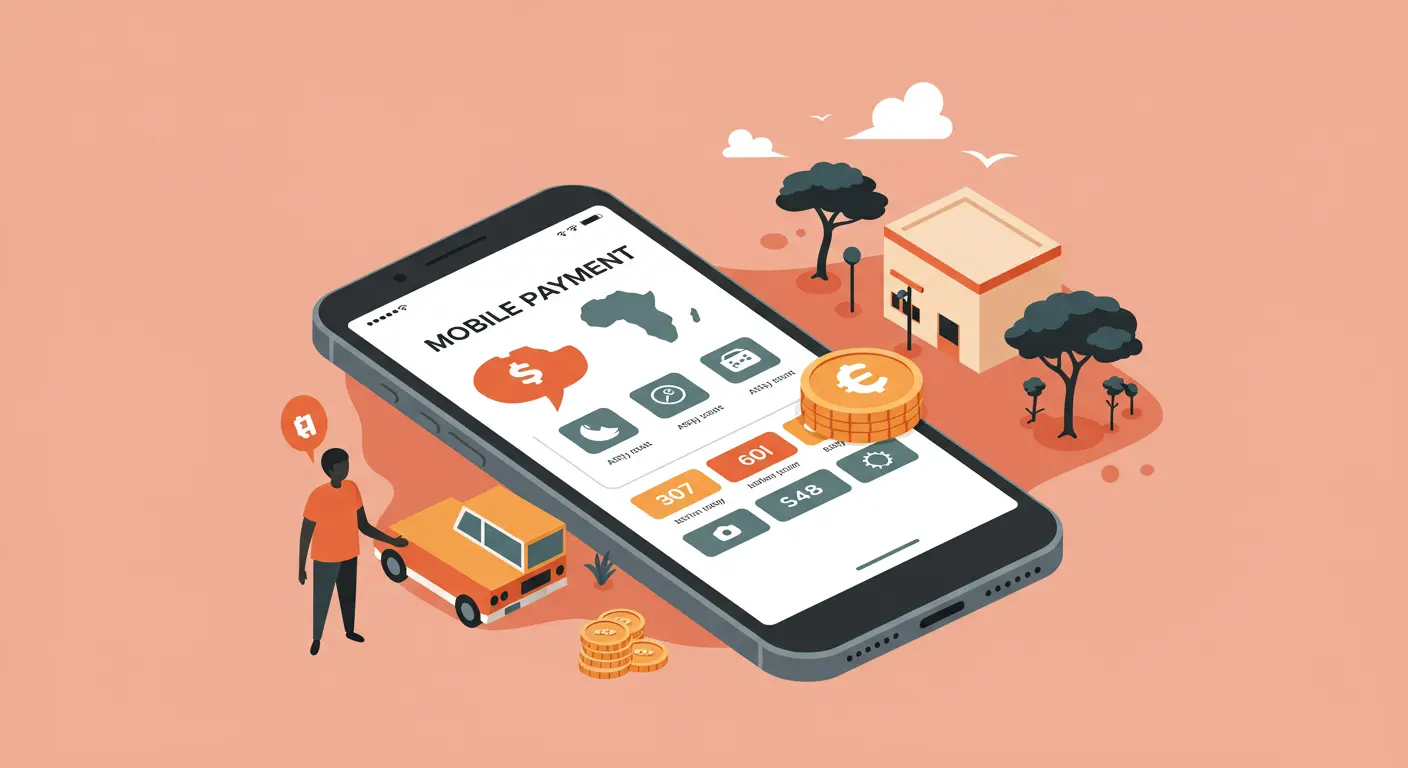
Stuck? We bring your business live on WhatsApp in ~24 hours
Optional add-on if you want speed and hands-on help — you can still self-serve anytime. We connect your number with official providers (Meta Cloud API, Twilio, and compatible stacks), set up your flows, and hand you a working setup you can sell with.
From $89 USD
Final scope may vary — tell us what you need and we'll confirm on WhatsApp.
Everything you need to run WhatsApp at scale
Clean operations, clear analytics, and AI that stays on-brand.

No-code agents
Create an agent in 5 mins. Launch WhatsApp bots that answer FAQs and qualify leads.
Unified inbox
Monitor conversations and take over when needed.

Analytics
Track engagement, response time, and conversion.

Knowledge base
Train agents with your docs, PDFs and website.

Multi-agent
Scale across products, regions and languages.

Enterprise-grade
Secure, reliable, and built for scale.
What your WhatsApp agents can do
Not just a bot. Full customer journeys across industries with uploads, inventory, and bookings.
Multi‑agent orchestration
Create an agent in 5 mins. Use templates for support, sales, onboarding and more.
Appointments
Schedule and manage bookings natively from WhatsApp.
Inventory & Orders
Support for food menus, cars, real estate, fashion, electronics and more.
Knowledge uploads
Upload docs, images, CSV, PDFs and more — supports 12+ file types.
Knowledge base
Train with your content to answer FAQs with guardrails and tone control.
Human handoff
Unified inbox; take over and reply instantly when needed.
Templates & flows
Industry templates; drag‑and‑drop setup flows.
Analytics
Message volume, response time, conversions and more.
Compliance
Role‑based access, audit logs, and data retention policies.
Providers
Meta, Twilio, Waha, Evolution API — bring your own or use ours.
Use cases
Powering businesses across industries with intelligent WhatsApp automation

Food & Restaurants
Menu browsing, orders, and delivery updates via WhatsApp.
Automotive
Car listings, test‑drive scheduling, and financing info.

Real Estate
Property catalog, viewing appointments, and application intake.

Ecommerce
Catalog search, order status, and returns automation.

Healthcare
Appointment triage, FAQs, and patient onboarding.

Education
Admissions, course info, and student support 24/7.
Trusted by Africa's Fastest-Growing Businesses
Real founders, real results. See how African businesses are scaling with AI4Africa.
“AI4Africa's SMS automation and WhatsApp bots transformed our logistics operations. What used to take hours now happens in minutes. Our customer satisfaction has improved significantly.”
“Running offline AI automation over local WiFi networks on our rural farming sites has been a game-changer. Our field agents can now process data and communicate instantly, even without internet.”
“AI4Africa helped us build an AI-powered tariff manager that revolutionized our energy management system. The intelligent automation handles complex tariff calculations and optimizations seamlessly, delivering significant cost savings.”
“Real-time customer inquiries and booking automation has streamlined our entire operation. We can now handle more bookings with the same team size.”
“Order confirmations and abandoned-cart follow-up automation has directly increased our conversion rates. Customers appreciate the timely, personalized messages.”
“Student onboarding and automated guidance has made our platform more accessible. Students get instant help, and our support team can focus on complex issues.”
“Fleet notifications and internal support systems run smoothly with AI4Africa. Our drivers stay informed, and operations are more efficient.”
“AI4Africa's automation tools have transformed how we handle customer communications. The WhatsApp integration alone has doubled our response efficiency.”
“We use AI4Africa for multiple client projects. The platform's reliability and ease of integration make it our go-to solution for automation needs.”
“AI4Africa's SMS automation and WhatsApp bots transformed our logistics operations. What used to take hours now happens in minutes. Our customer satisfaction has improved significantly.”
“Running offline AI automation over local WiFi networks on our rural farming sites has been a game-changer. Our field agents can now process data and communicate instantly, even without internet.”
“AI4Africa helped us build an AI-powered tariff manager that revolutionized our energy management system. The intelligent automation handles complex tariff calculations and optimizations seamlessly, delivering significant cost savings.”
“Real-time customer inquiries and booking automation has streamlined our entire operation. We can now handle more bookings with the same team size.”
“Order confirmations and abandoned-cart follow-up automation has directly increased our conversion rates. Customers appreciate the timely, personalized messages.”
“Student onboarding and automated guidance has made our platform more accessible. Students get instant help, and our support team can focus on complex issues.”
“Fleet notifications and internal support systems run smoothly with AI4Africa. Our drivers stay informed, and operations are more efficient.”
“AI4Africa's automation tools have transformed how we handle customer communications. The WhatsApp integration alone has doubled our response efficiency.”
“We use AI4Africa for multiple client projects. The platform's reliability and ease of integration make it our go-to solution for automation needs.”
“AI4Africa's SMS automation and WhatsApp bots transformed our logistics operations. What used to take hours now happens in minutes. Our customer satisfaction has improved significantly.”
“Running offline AI automation over local WiFi networks on our rural farming sites has been a game-changer. Our field agents can now process data and communicate instantly, even without internet.”
“AI4Africa helped us build an AI-powered tariff manager that revolutionized our energy management system. The intelligent automation handles complex tariff calculations and optimizations seamlessly, delivering significant cost savings.”
“Real-time customer inquiries and booking automation has streamlined our entire operation. We can now handle more bookings with the same team size.”
“Order confirmations and abandoned-cart follow-up automation has directly increased our conversion rates. Customers appreciate the timely, personalized messages.”
“Student onboarding and automated guidance has made our platform more accessible. Students get instant help, and our support team can focus on complex issues.”
“Fleet notifications and internal support systems run smoothly with AI4Africa. Our drivers stay informed, and operations are more efficient.”
“AI4Africa's automation tools have transformed how we handle customer communications. The WhatsApp integration alone has doubled our response efficiency.”
“We use AI4Africa for multiple client projects. The platform's reliability and ease of integration make it our go-to solution for automation needs.”
“We use AI4Africa for multiple client projects. The platform's reliability and ease of integration make it our go-to solution for automation needs.”
“AI4Africa's automation tools have transformed how we handle customer communications. The WhatsApp integration alone has doubled our response efficiency.”
“Fleet notifications and internal support systems run smoothly with AI4Africa. Our drivers stay informed, and operations are more efficient.”
“Student onboarding and automated guidance has made our platform more accessible. Students get instant help, and our support team can focus on complex issues.”
“Order confirmations and abandoned-cart follow-up automation has directly increased our conversion rates. Customers appreciate the timely, personalized messages.”
“Real-time customer inquiries and booking automation has streamlined our entire operation. We can now handle more bookings with the same team size.”
“AI4Africa helped us build an AI-powered tariff manager that revolutionized our energy management system. The intelligent automation handles complex tariff calculations and optimizations seamlessly, delivering significant cost savings.”
“Running offline AI automation over local WiFi networks on our rural farming sites has been a game-changer. Our field agents can now process data and communicate instantly, even without internet.”
“AI4Africa's SMS automation and WhatsApp bots transformed our logistics operations. What used to take hours now happens in minutes. Our customer satisfaction has improved significantly.”
“We use AI4Africa for multiple client projects. The platform's reliability and ease of integration make it our go-to solution for automation needs.”
“AI4Africa's automation tools have transformed how we handle customer communications. The WhatsApp integration alone has doubled our response efficiency.”
“Fleet notifications and internal support systems run smoothly with AI4Africa. Our drivers stay informed, and operations are more efficient.”
“Student onboarding and automated guidance has made our platform more accessible. Students get instant help, and our support team can focus on complex issues.”
“Order confirmations and abandoned-cart follow-up automation has directly increased our conversion rates. Customers appreciate the timely, personalized messages.”
“Real-time customer inquiries and booking automation has streamlined our entire operation. We can now handle more bookings with the same team size.”
“AI4Africa helped us build an AI-powered tariff manager that revolutionized our energy management system. The intelligent automation handles complex tariff calculations and optimizations seamlessly, delivering significant cost savings.”
“Running offline AI automation over local WiFi networks on our rural farming sites has been a game-changer. Our field agents can now process data and communicate instantly, even without internet.”
“AI4Africa's SMS automation and WhatsApp bots transformed our logistics operations. What used to take hours now happens in minutes. Our customer satisfaction has improved significantly.”
“We use AI4Africa for multiple client projects. The platform's reliability and ease of integration make it our go-to solution for automation needs.”
“AI4Africa's automation tools have transformed how we handle customer communications. The WhatsApp integration alone has doubled our response efficiency.”
“Fleet notifications and internal support systems run smoothly with AI4Africa. Our drivers stay informed, and operations are more efficient.”
“Student onboarding and automated guidance has made our platform more accessible. Students get instant help, and our support team can focus on complex issues.”
“Order confirmations and abandoned-cart follow-up automation has directly increased our conversion rates. Customers appreciate the timely, personalized messages.”
“Real-time customer inquiries and booking automation has streamlined our entire operation. We can now handle more bookings with the same team size.”
“AI4Africa helped us build an AI-powered tariff manager that revolutionized our energy management system. The intelligent automation handles complex tariff calculations and optimizations seamlessly, delivering significant cost savings.”
“Running offline AI automation over local WiFi networks on our rural farming sites has been a game-changer. Our field agents can now process data and communicate instantly, even without internet.”
“AI4Africa's SMS automation and WhatsApp bots transformed our logistics operations. What used to take hours now happens in minutes. Our customer satisfaction has improved significantly.”
“AI4Africa's SMS automation and WhatsApp bots transformed our logistics operations. What used to take hours now happens in minutes. Our customer satisfaction has improved significantly.”
“Running offline AI automation over local WiFi networks on our rural farming sites has been a game-changer. Our field agents can now process data and communicate instantly, even without internet.”
“AI4Africa helped us build an AI-powered tariff manager that revolutionized our energy management system. The intelligent automation handles complex tariff calculations and optimizations seamlessly, delivering significant cost savings.”
“Real-time customer inquiries and booking automation has streamlined our entire operation. We can now handle more bookings with the same team size.”
“Order confirmations and abandoned-cart follow-up automation has directly increased our conversion rates. Customers appreciate the timely, personalized messages.”
“Student onboarding and automated guidance has made our platform more accessible. Students get instant help, and our support team can focus on complex issues.”
“Fleet notifications and internal support systems run smoothly with AI4Africa. Our drivers stay informed, and operations are more efficient.”
“AI4Africa's automation tools have transformed how we handle customer communications. The WhatsApp integration alone has doubled our response efficiency.”
“We use AI4Africa for multiple client projects. The platform's reliability and ease of integration make it our go-to solution for automation needs.”
How it works
Connect your provider, train on your content, then automate conversations at scale.
Connect
Link Meta Cloud API, Twilio, WAHA, or Evolution. One workspace for every provider.
Train
Upload docs and URLs, tune tone and guardrails, and keep answers on-brand.
Automate
Ship support, sales, and booking flows with AI agents and live handoff.
Simple, transparent pricing
Scale from startup to enterprise with usage‑aligned plans.
Frequently Asked Questions
Everything you need to know about setting up and using AI4Africa
To set up WhatsApp with Meta, you'll need a new phone number. You have two options:
- Contact our support: Reach out to our customer support at [email protected] to add your number to our Facebook account.
- Self-setup: Watch our onboarding video to set it up yourself. The process is straightforward and takes just a few minutes.
Once your number is verified, you'll receive your API credentials to connect to our platform.
Still have questions?
Contact our support team